macOS
Apple silicon · macOS 13 or later
Download for Mac ↓ SHA-256 checksumTools / Desktop app
Turn SDR images and footage into HDR. Reconstruct, grade, and export in one desktop app.
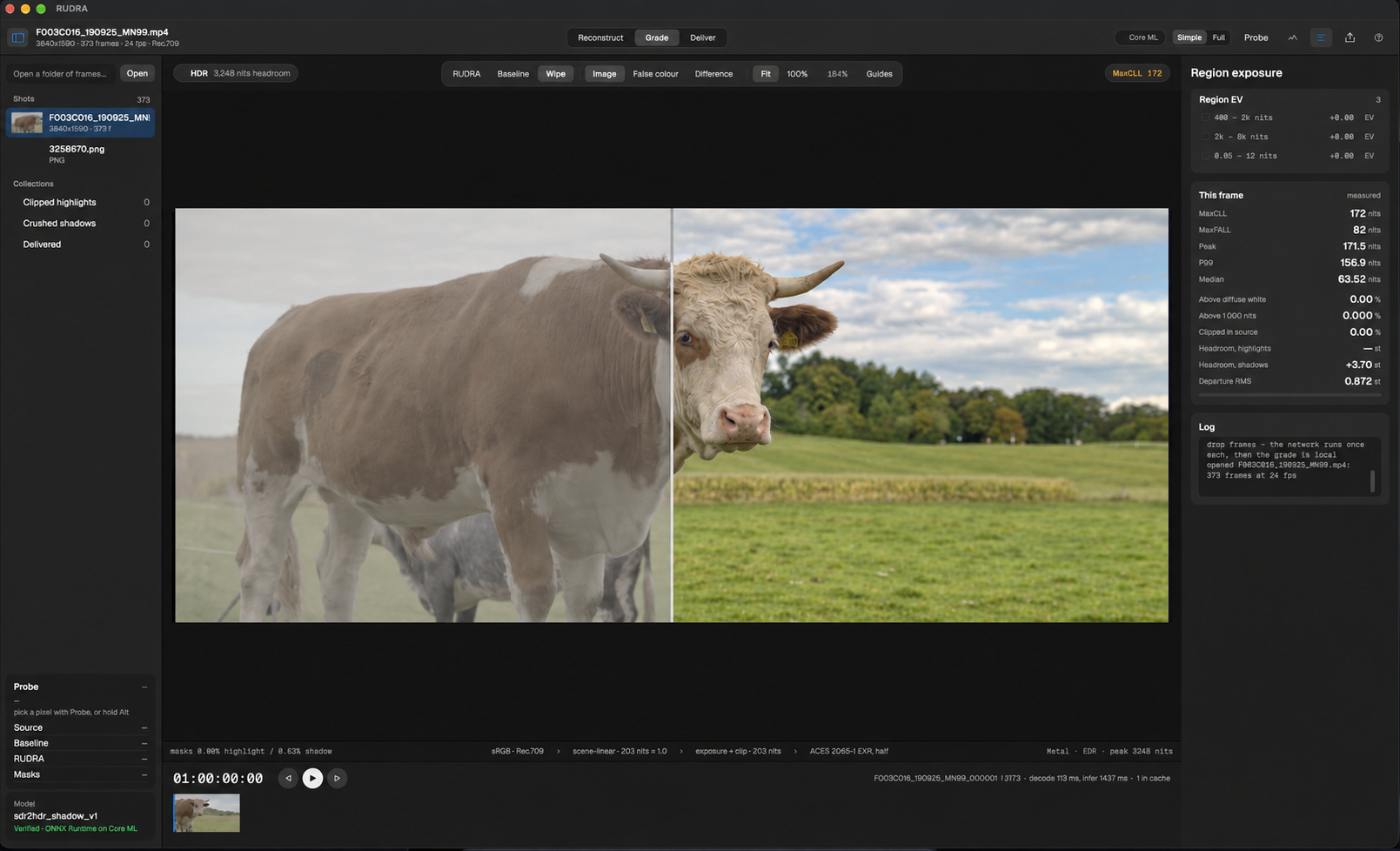
Desktop beta 2 includes a highlight-grain correction. Choose your platform.
Apple silicon · macOS 13 or later
Download for Mac ↓ SHA-256 checksumx64 · Windows 10 or 11
Download for Windows ↓ Portable ZIP · 83.5 MB Installer checksum Portable checksumx86_64 · Source build
Download source ↓ Build instructions ↗This beta is not code-signed on Windows or notarised on macOS. Read the release notes for installation details and known limitations. Movie workflows require FFmpeg and FFprobe. On macOS, use FFmpeg 6.1 as described in the release notes. Still images need no extra tools.
The current code uses PolyForm Noncommercial 1.0.0. Model weights have separate non-commercial terms. Check both licenses before use.
Install the app, make your first HDR image, and learn how to export your work. The guide also covers model training and common questions.
Adjust recovery strength, compare results, and review highlights with scopes and false colour.
Work with stills, image sequences, and movies in a native desktop workspace.
Export ACES 2065-1 EXR sequences, HDR10, HLG, or ProRes 422 HQ.
An SDR image can lose highlight detail through clipping. Expanding its brightness alone cannot restore that detail.
RUDRA uses HDR training references to infer plausible highlights. Reconstruction estimates missing detail rather than recovering a unique original scene.
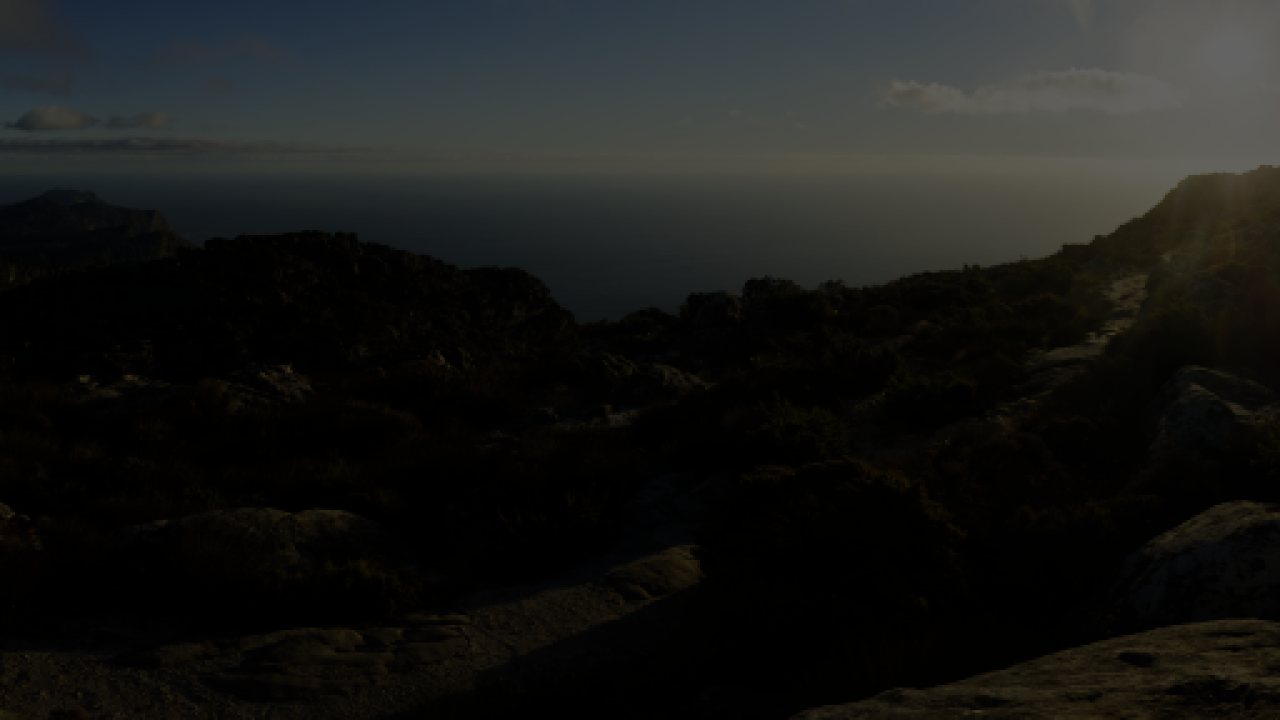
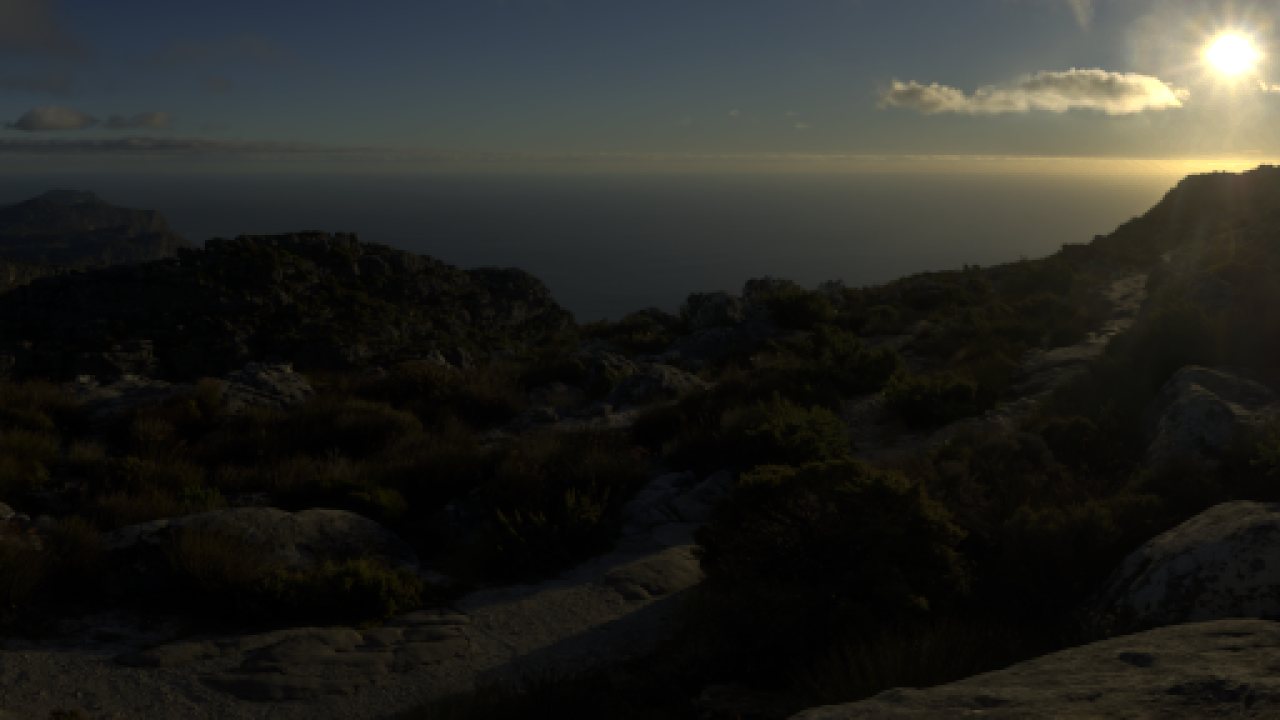
The reconstructed result adds a defined sun disc and flare while retaining foreground detail.
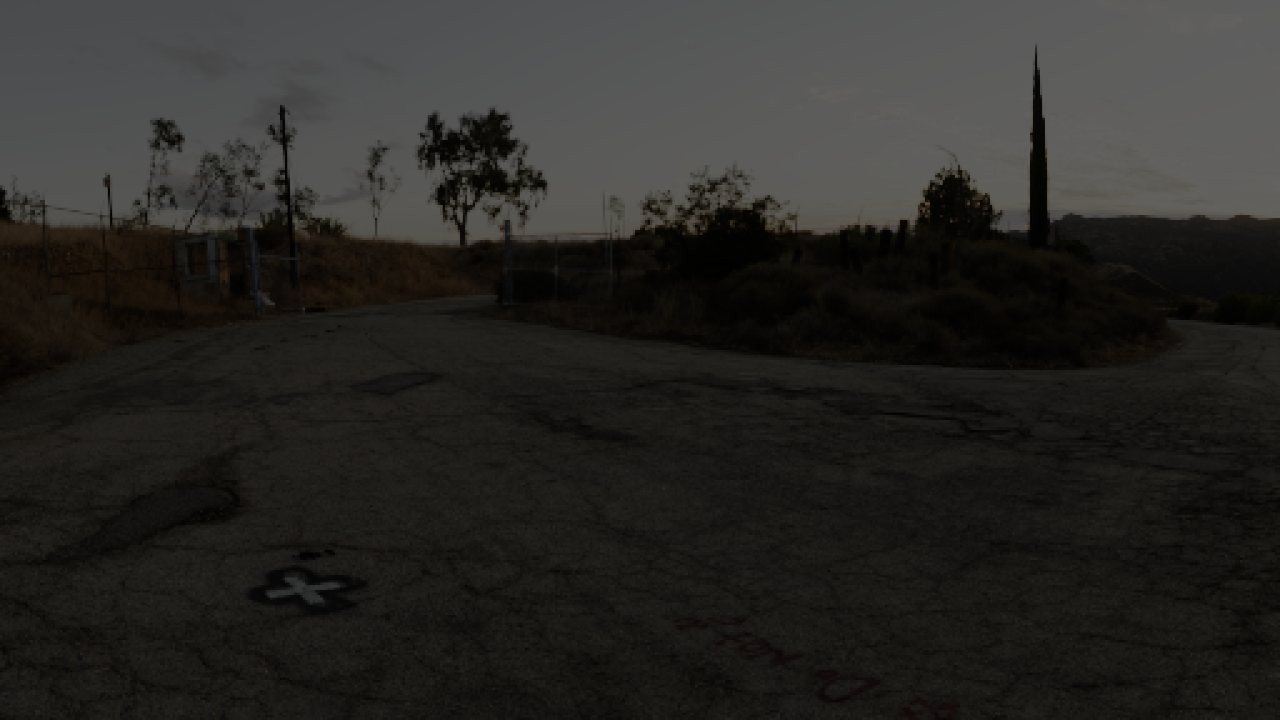
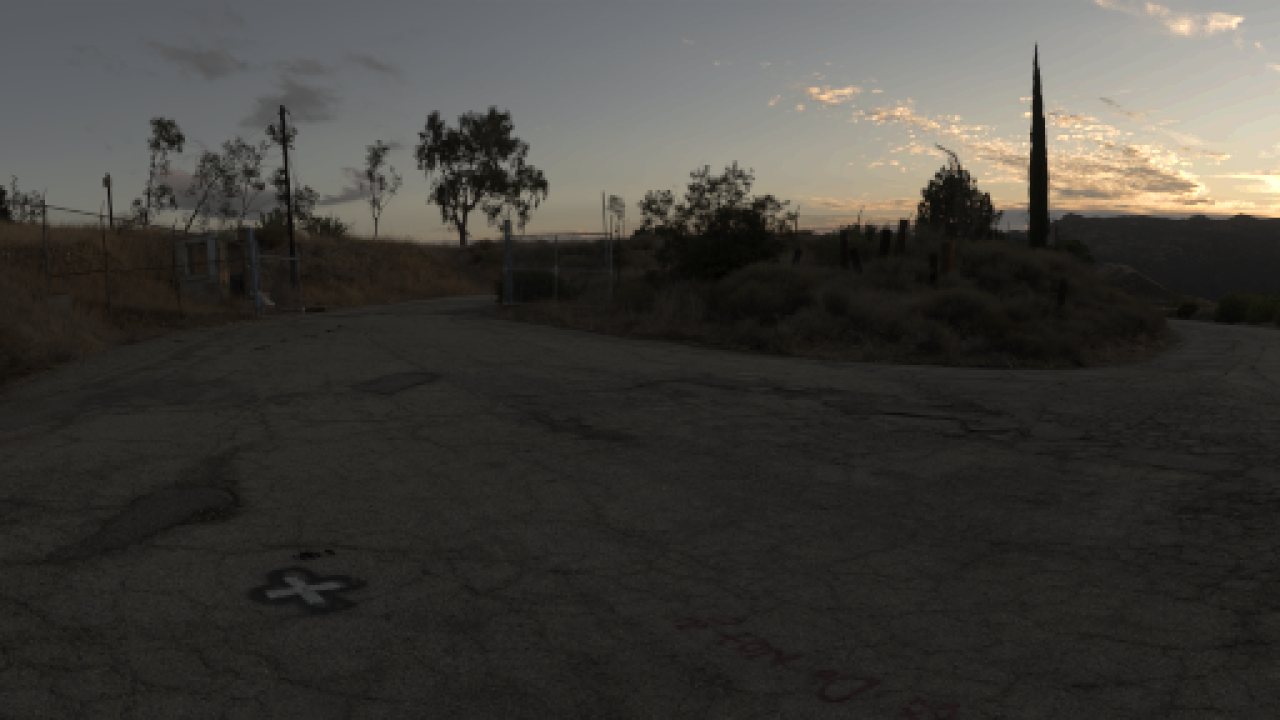
Cloud structure and a warm horizon appear in the reconstruction while the road and foliage retain depth.
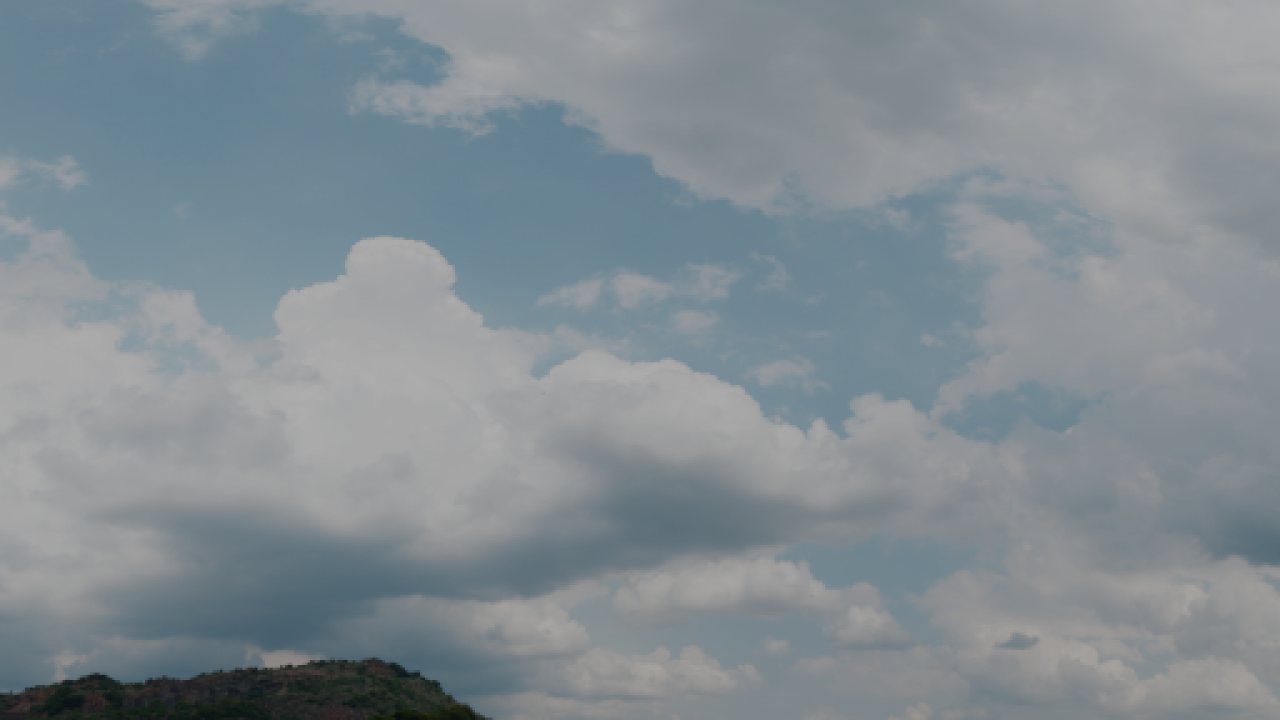
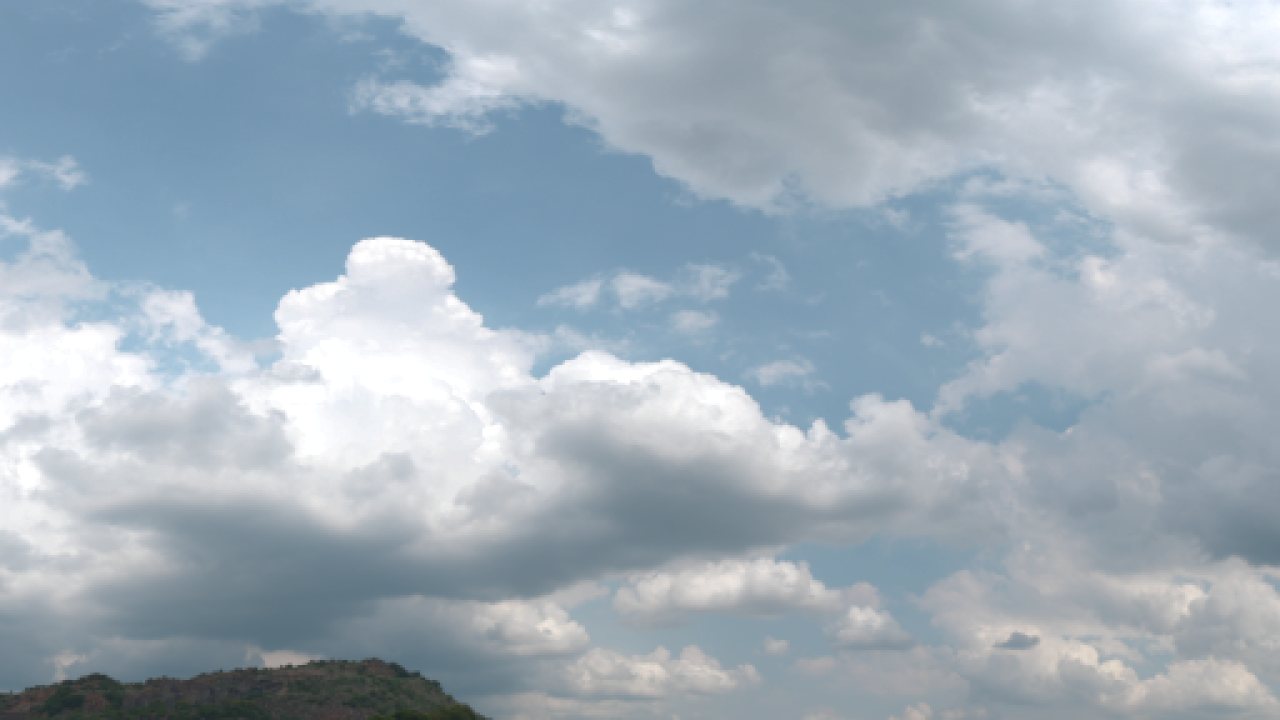
The reconstruction adds shape within bright clouds while retaining blue in the sky.