In-house tools / Open source
Radiance for ComfyUI
Professional VFX, HDR colour science, review and DCC handoff.
Prepare plates, manage HDR colour, review results and hand off to Nuke or Resolve in a 32-bit float workflow.
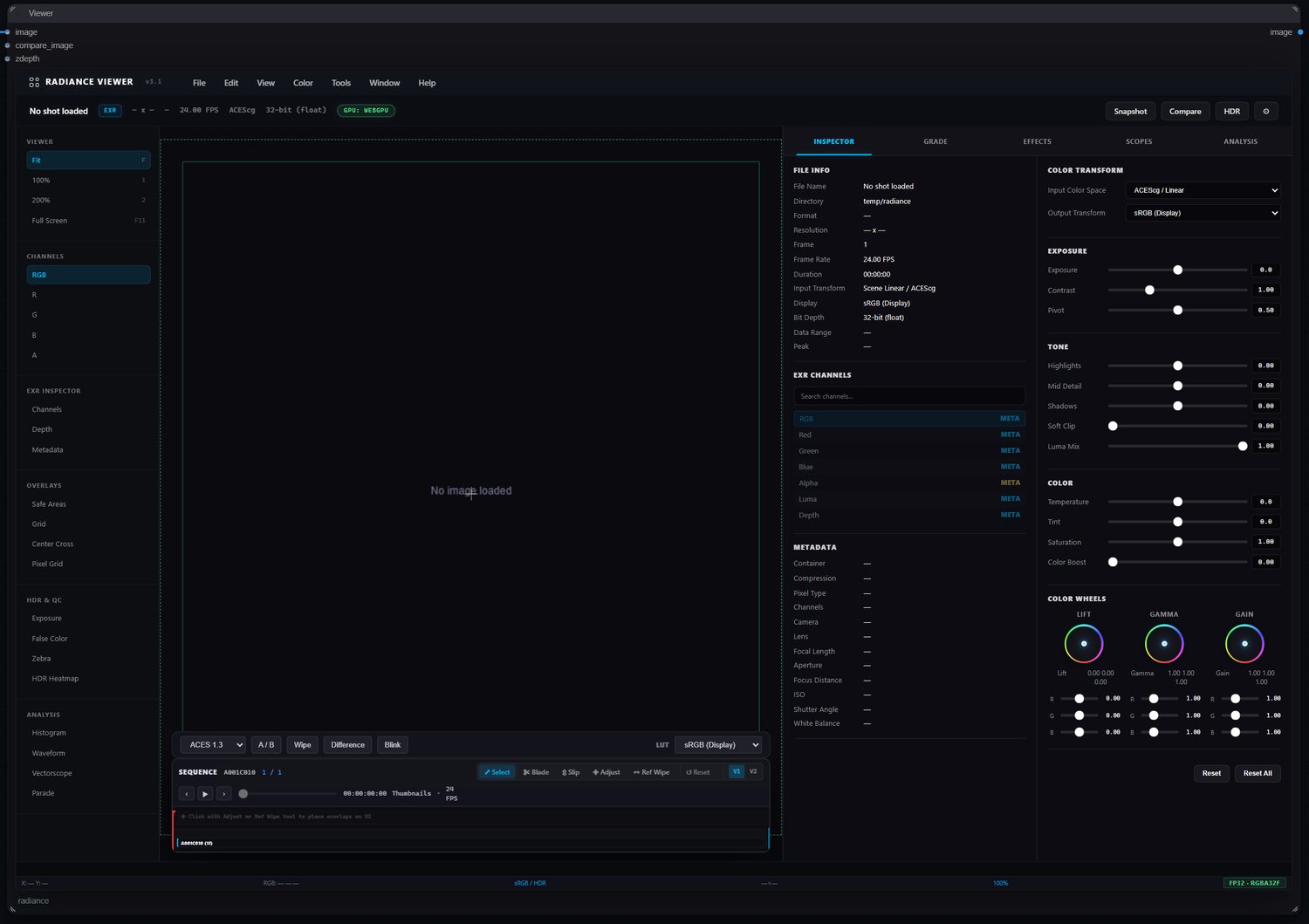
Review
Review with confidence
Inspect exposure and colour with histograms, waveforms, vectorscopes and HDR measurements.
Sample pixels or regions to check colour, luminance and channel statistics.
Review with false colour, A/B comparisons, EXR layers and sequence playback. Load your show’s OCIO configuration for consistent viewing.
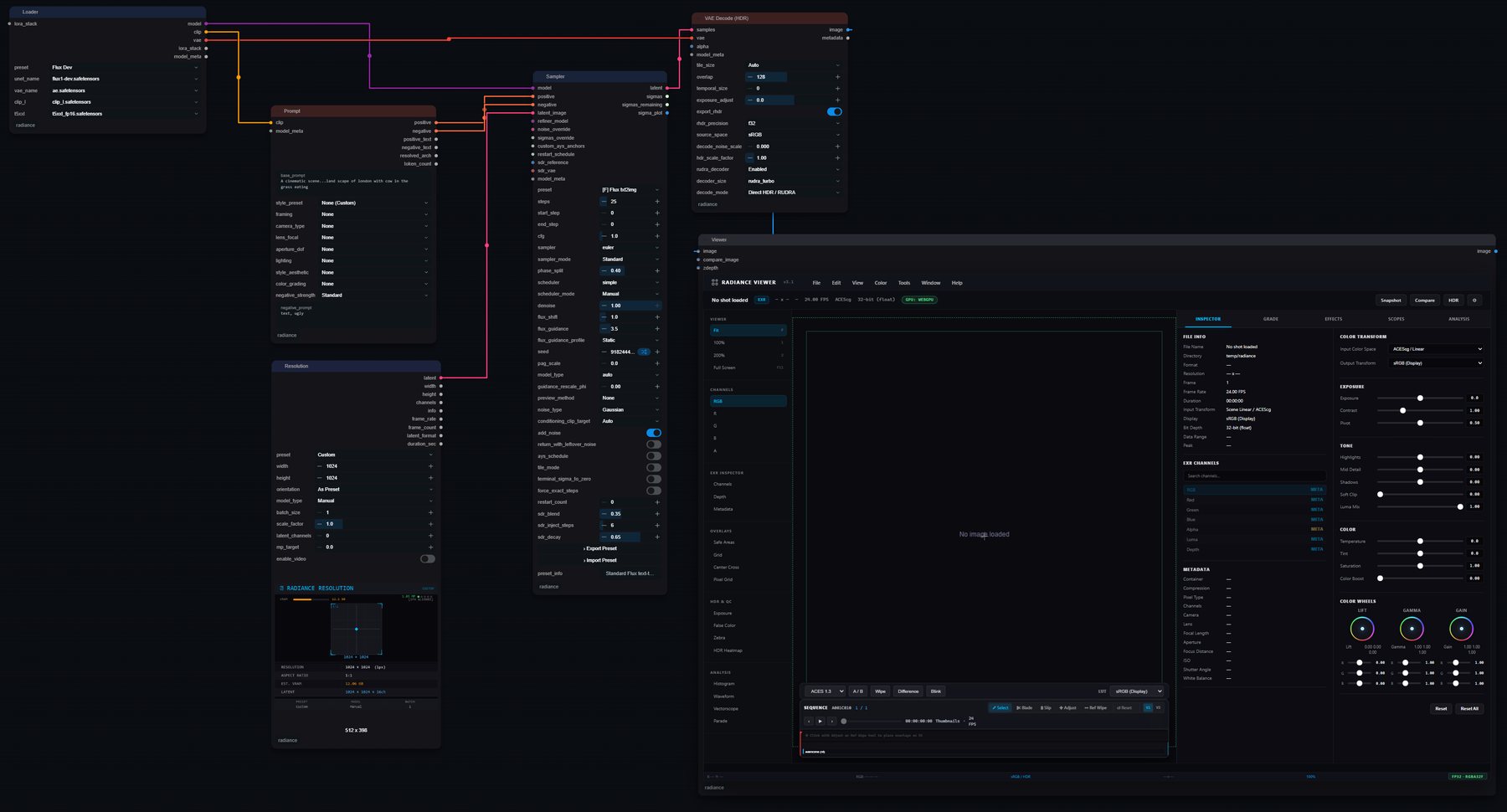
HDR
Keep highlights in HDR
Preserve scene-linear highlights above 1.0 from decode to EXR and TIFF output.
RUDRA decoders
Generation that starts in HDR.
Use RUDRA decoders to generate scene-linear HDR. Choose Turbo for faster iteration or Full for more reconstruction.
| Model | Turbo | Full |
|---|---|---|
| Flux.1 | rudra_turbo_decoder_flux_ema | rudra_full_decoder_flux_ema |
| Flux.2 | rudra_turbo_decoder_flux2_ema | — |
| Flux.2 Klein | rudra_turbo_decoder_flux2-klein_ema | — |
| SDXL | rudra_turbo_decoder_sdxl_ema | rudra_full_decoder_sdxl_ema |
| Qwen-Image | rudra_turbo_decoder_qwen_ema | — |
| Z-Image | rudra_turbo_decoder_zimage_ema | rudra_full_decoder_zimage_ema |
| Wan | rudra_turbo_decoder_wan_ema | rudra_full_decoder_wan_ema |
| LTX-Video | rudra_turbo_decoder_ltx_ema | rudra_full_decoder_ltx-video_ema |
Node map
131 nodes, one menu.
Find familiar tools such as Grade, CDL, Roto, Read and Write alongside Radiance AI nodes.
Core
Project Manager, Workspace, Resolution, workspace utilities
Load & Save
Read, Write, EXR alpha, mask and multipart, sequence export, DPX
Generate
Loader, Sampler, HDR VAE Decode, prompt tools, LoRA stack, regional prompts
Color
Grade, Grade Match, CDL, LUT apply and blend, Curves, White Balance, QC
HDR
ACES 2.0, OCIO, HDR encode and decode, tone mapping, synthesis, relight
VFX
Plate prep, masks, roto, depth, optics, motion, multipass, AOV reader
Video
Loader, prompt builder, sampler, text and image to video, batch decode
Upscale
Image and video upscale, tiling, face restoration
Review
Viewer, Lite Viewer, scopes, focus peaking, contact sheets, flipbook
Pipeline
Project Manager, Send to Nuke, DaVinci Resolve handoff
Verified
Tested workflows
Automated checks cover image output, colour, video and model loading.
EXR round-trip
EXR and TIFF checks preserve 32-bit values, including negative values and bright highlights.
Colour
Colour transforms are checked against published references and OCIO.
Video
Video checks cover frame counts, common codecs and numbered image sequences.
Security
Model loading uses verified downloads and requires opt-in before fetching weights.
Catalog
Menu checks keep every registered node visible in its category.
Suite
Python, JavaScript and GPU tests check node behaviour and shader output.
Handoff
Out to Nuke and Resolve.
Send EXR frames to Nuke over a local connection, or export PNG, TIFF and EXR files for Resolve.
Install
Install Radiance
Install Radiance through ComfyUI Manager or the Comfy Registry, or use the commands below.